

Claim a registry gift or contribute to a fund
All plans
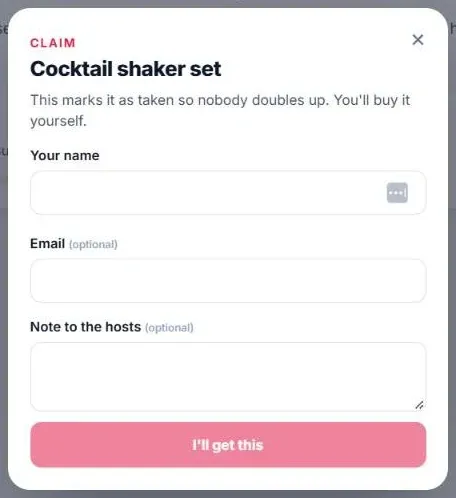
On the event page, find the Gift registry. Click I’ll get this on a gift and enter your name to mark it as taken, then buy it from the store. For a cash fund, click Contribute, send your gift on the payment page, then click Let them know.
Good to know
Section titled “Good to know”- Claiming a gift doesn’t buy it. It marks it as taken so nobody else buys the same thing. Buy it yourself from the store link.
- Cash funds go straight from you to the hosts’ payment link, such as Venmo or PayPal. RSVPingo doesn’t handle the money.
- Only the hosts see who claimed what.